
Noa
Your real assistant.
Not another chatbot. Noa does the work — on its own computer, on your schedule, in the apps you already use. Now on WhatsApp too.
For iPhone and Apple Watch, and on WhatsApp · Now in TestFlight beta
Its own computer
It doesn’t tell you how.
It just does it.
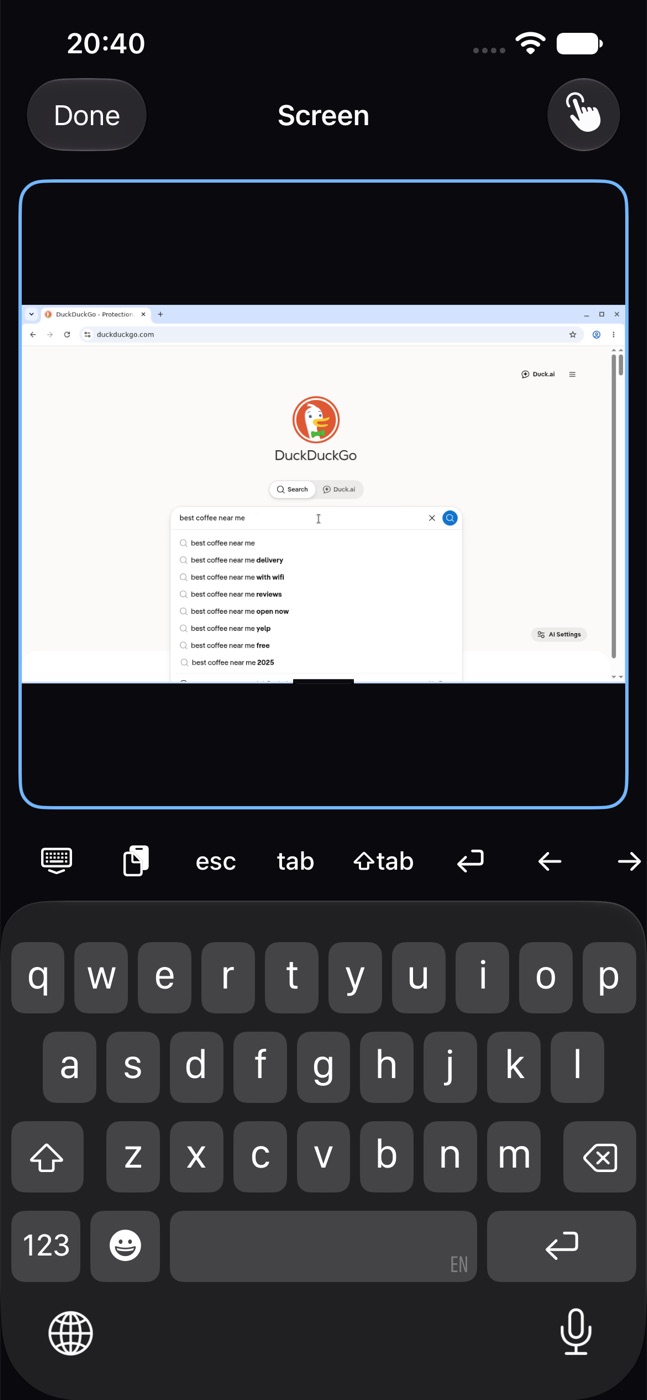
Noa has a private computer in the cloud with a real browser. It searches, compares, fills in forms and brings back the result — and you can watch every click from your phone.



Watch it live
Open the Screen and see exactly what Noa is doing, as it happens.
Take the wheel
Tap Take control to sign in or step in. Leave, and Noa carries on.
Yours alone
Every person gets a separate computer. Your logins stay in your browser.
Also on WhatsApp
Text it like
a friend.
Prefer WhatsApp? Link your number in Settings and message your Noa there. Same Noa, same memory, one conversation: start on WhatsApp, pick it up in the app.
One conversation
What you say on WhatsApp shows up in the app, and the other way around.
Voice notes, answered by voice
Send a voice note and get one back, in your Noa’s own voice.
The Screen, from a link
When a site needs you, Noa sends a one-time link to watch or take over its computer.
Keeps you posted
A 👍 when it starts something long, a short update along the way, the result when it’s done.
WhatsApp is optional. The iPhone app is still the full Noa.

📅 Fri, Oct 2 · 8:15 PM
👥 4 people
Want me to book it?4:12 PM
Nopa · Fri 8:15 PM · 4 people
Under Sam, confirmation #48214:15 PM
Routines
It works while
you sleep.
Tell Noa once. It runs every morning, every Monday, at the exact minute you need, or keeps watch until something happens — then taps you on the shoulder with the result.
Morning brief
Today’s calendar, urgent email and anything blocked — in five bullets.
Bills & renewals
What’s due in the next 14 days, straight from your inbox.
“Tell me when Ana replies”
A reply, a price drop, a table that opens. Noa checks quietly and speaks up once.
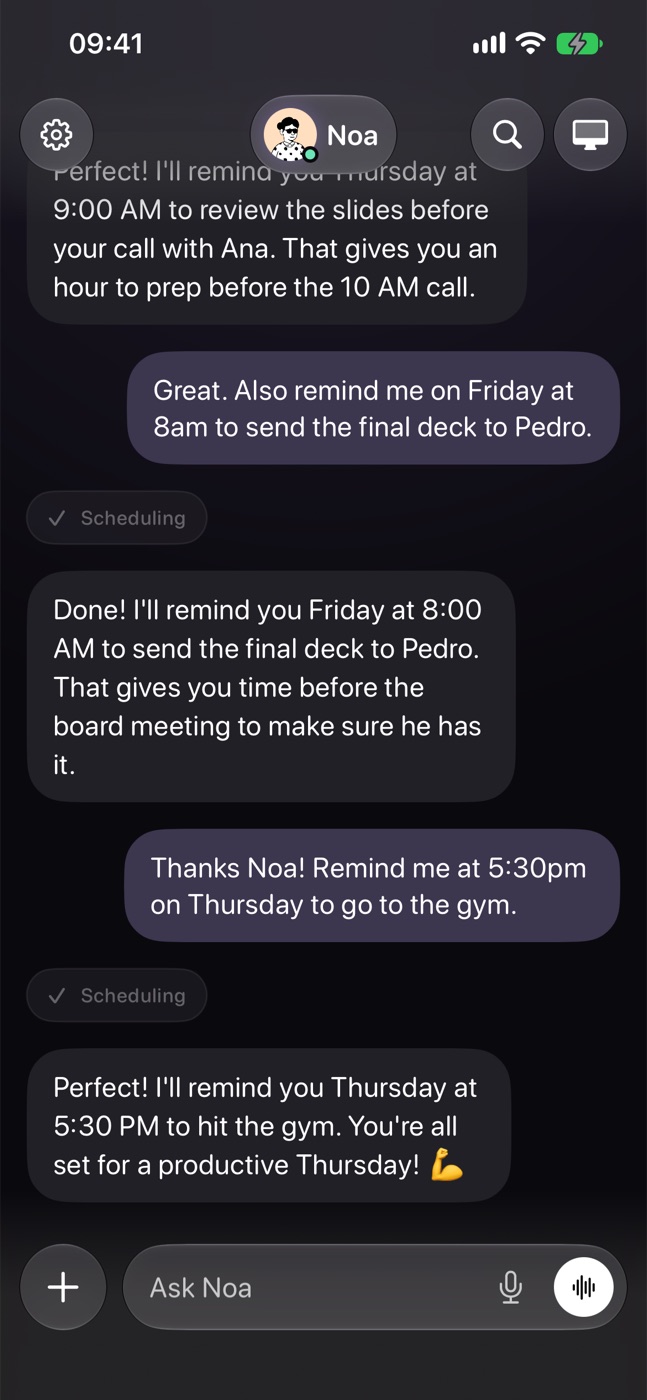
“Remind me to go to the gym”
Just say it in the chat. Noa sets it up for you.
Apple Watch & widgets
On your wrist.
On your Home Screen.
Noa Charm puts your Noa on Apple Watch: one glance tells you if it’s working, needs you or is done. Widgets keep it on your Home and Lock Screen.



anything

Status at a glance
Free, working, needs you, done. The Charm’s face and color tell you without opening your phone.
Hold to talk
Press and hold the Charm and say what you need. The answer plays on your wrist and arrives as a notification.
Widgets that feel alive
Your next routines and your Noa on the Home and Lock Screen, its expression changing with what it’s doing.
In action
Ask for anything.
Get it done.
NoaWorks with your tools
Connect once.
Noa takes it from there.
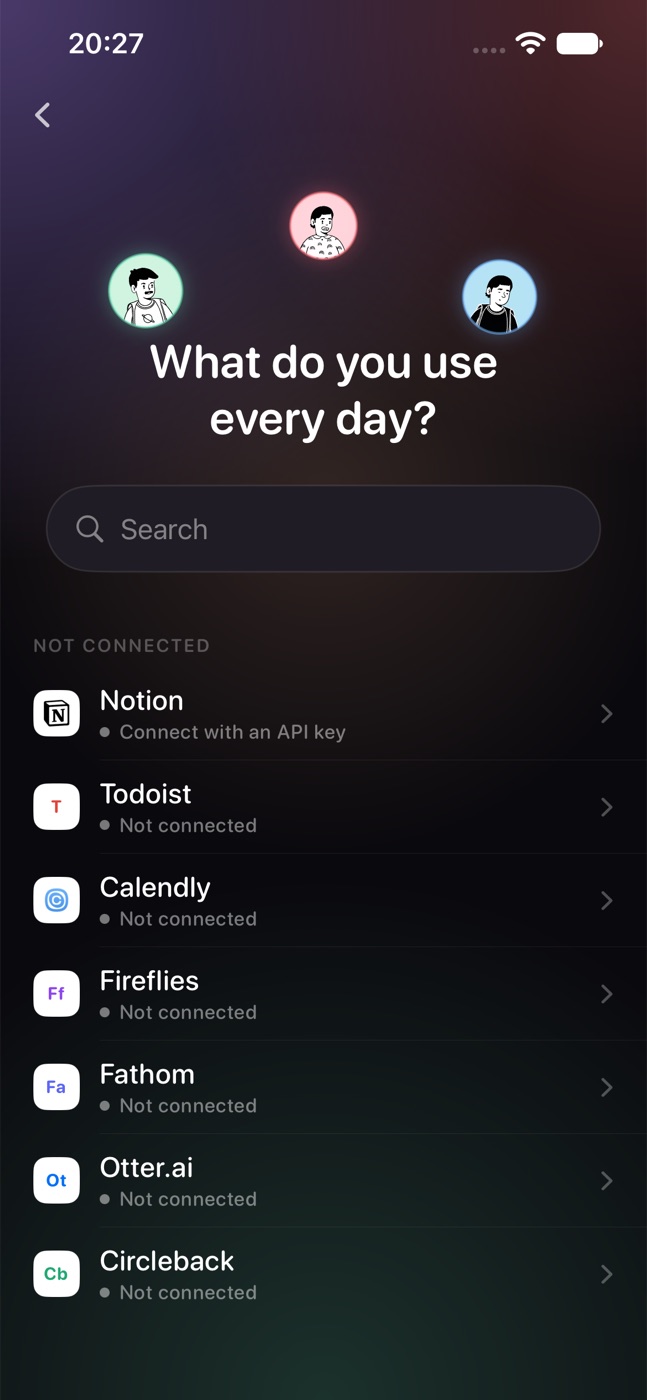
Email, calendar, documents, tasks and meeting notes — with permissions you approve and can revoke anytime.
 GmailCalendarDrive, Docs & SheetsNotion
 CalendlyZoom
Everything else
Made to organize your life.
It remembers what matters.
Your goals, your people, your preferences. Noa keeps them in mind — and you can see everything it learned and make it forget anything, with one tap or just by asking.
Just talk.
A real back-and-forth conversation: speak naturally, interrupt anytime, in your own language.
Send it anything, from any app.
A PDF from Mail, a photo, a link from Safari. Tap Share, pick Noa, say what you need.
It makes the file, too.
Reports, spreadsheets, cover letters — in one clean, consistent design that reads well on your phone and prints cleanly. Saved in your Documents.
It signs in for you.
Save a login once, in the app or through a one-time secure link. Noa signs in on its own computer and even enters authenticator codes. The password never appears in the chat, and you see every sign-in.
It makes the call.
“Book a table for 4 at 8.” Noa phones the restaurant, says it’s an AI assistant calling for you, and tells you exactly what was agreed. You approve every call.
Never miss a result.
Everything Noa finished in the background, one tap from the chat.
Tuned to your life.
Pick your Noa.




Knows who you mean.
“Email Alex” shows the Alexes from your iPhone, Google and Outlook contacts. You pick; Noa never guesses.
Reply to anything.
Tap Reply on any message, old or new, and ask about exactly that.
Notices new places.
Land in a new city and Noa sends a short note: what’s useful to know, nearby and in season.
Privacy & control
Powerful.
And always on your side.
Asks before it acts
Sending, paying, deleting or sharing? Noa checks with you first.
Never trained on you
Your data and connected accounts are never used to train AI models.
A computer per person
Your browser, logins and files live in your own private computer. Saved passwords are encrypted and never shown to the AI.
Leave anytime
Disconnect any app, or delete your account and everything with it.